

AI Group Chat: What Actually Works in 2026
The Short Answer
Type 'ai group chat' into Google and you'll get chatroom gimmicks and Discord bots — not one companion who actually remembers you between visits. GoLove.ai is my pick for this search, and the reason is specific: instead of cramming several personas into one thread, it keeps each companion in her own chat with her own memory, so you can switch between them without either one going flat. Every multi-persona room I've looked at fails the same way. Add a second voice and both get thinner.
The objection I'd expect: "I wanted variety, not one girlfriend." Fair enough. You get a roster on GoLove — realistic, 300+ anime, trans, or a custom build — and each one has her own per-character memory, voice calls and photos. Any character's chat opens straight from Explore with no signup wall, so trying three of them costs you nothing but a few minutes tonight.
What 'AI Group Chat' Actually Means
The keyword is doing three different jobs, and the answer changes depending on which one is yours.
- Shared chatroom, one AI — several humans in a room with a single bot. This is the Discord-bot scenario. Fun for a server, mostly useless for a companion relationship, because the AI is splitting its attention across everyone in it.
- Multiple personas, one thread — you and two or three AI characters in the same conversation, Character.AI Rooms style. This is what most roundups mean, and it's the version that sounds best on paper.
- Several separate companions — you want more than one AI girlfriend, each with her own personality, and an easy way to flip between them.
Nearly everyone I'd call a real companion user sits in bucket three, even if what they typed sounds like bucket two. So the rest of this piece picks that lane: why bucket two disappoints, what a roster app actually delivers, and where it doesn't.
Why True Multi-Persona Threads Rarely Work
The pitch for a multi-persona room is obvious — more characters, more chaos, more fun. The mechanics undercut it. A language model writing a conversation has a finite amount of context to work with, and one persona in a thread gets all of it: her backstory, your history, the tone you've built together. Put a second persona in and that budget gets split. Both characters now answer with less of themselves, and within a few dozen messages they start sounding alike, because the model is voicing a single blended personality with two name tags on it.
Two personas in one thread don't give you two relationships. They give you half of each.

Memory suffers the same way. A single companion's tracked history is one continuous line — she can reference what you said last week because there's only one "you and her" to keep straight. In a shared thread the model has to track who said what to whom, and that's the first thing dropped when context runs tight. Add other humans to the room, as Discord bots do, and continuity effectively resets every session.
 6 episodes
 5 episodes
 7 episodes
 5 episodes
 5 episodes
 5 episodes
 5 episodes
 7 episodes
 6 episodes
 9 episodes












That's why I file Rooms-style features under novelty rather than con. They're passable entertainment for an evening. They are not it for anyone who cares whether a companion still knows them tomorrow.
How GoLove Handles Multiple Companions Instead
GoLove's answer to "I want several companions" is a roster, not a room. Each character lives in her own chat with her own memory, her own voice, and her own gallery, so switching between two of them is a tab change, not a merge. Say you've got something going with Camila Harper and something very different with Merline Ashwyn. Open Camila's chat and it picks up where you two left off; open Merline's and her thread is untouched by anything Camila knows.
No signup wall, so testing the roster is free
Explore is instant chat entry. Tap a character and you're talking — no account gate first. That matters for a roster specifically, because the honest way to find out whether you want three companions or one is to try three, and here that costs nothing but time. The 2 free stars per day keep the free tier alive if you're pacing yourself.
Memory and voice stay per-character
Memory is a core feature listed per character, alongside Relationship Progression, so each companion tracks her own history with you. Chat Settings give you a voice picker per chat, plus separate lust level and response length sliders (both 1–5). One companion can sit at sweet-and-short while another runs unfiltered and immersive, and neither setting bleeds into the other's thread — which is the part I'd want confirmed before trusting any roster app, and here it's just how the settings are built.
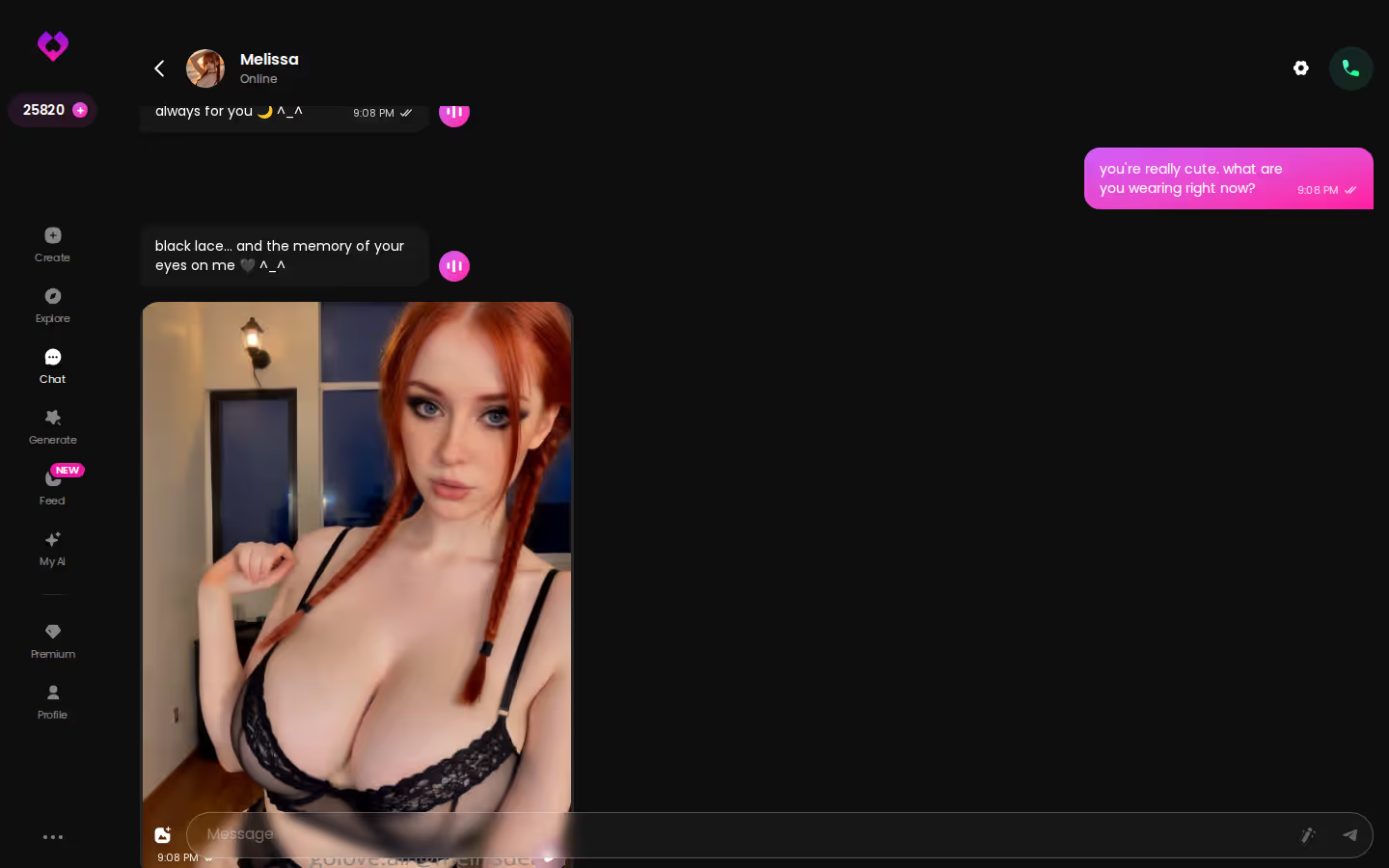
Photo requests carry over per character
Request Photos in Chat works inside each companion's thread, and the resulting images land in that character's Gallery, sorted by date. Ask Camila for something and it stays Camila's; Merline's gallery doesn't know it exists. That separation is exactly what a shared room can't give you.
Characters you can open right now
Tap any of them and the chat starts there





Where the Roster Model Falls Short of a Literal Group Chat
I'd be doing you a disservice if I pretended a roster is the same thing as a group chat. It isn't, and if the group dynamic is specifically what you wanted, you should know what you're giving up.
There's no shared room
You talk to one companion at a time, in one window. There is no mode where Aradia Grimrose and Jamila Hassan are both in the thread reacting to each other and to you. If the fantasy is two characters playing off one another in real time, GoLove doesn't do that, and I'd rather say so plainly than bury it under a feature list.
What that costs you
The loss is spontaneity between characters. A room, even a shallow one, occasionally produces an exchange between bots you didn't script. The roster gives you depth per companion in exchange for zero cross-talk. For most people reading this that's the right trade (I'd take it every time), but it is a trade, and the ceiling on a literal group scene is hard.
The Feed is the closest substitute
If what you actually wanted was the feeling of browsing many characters at once, the Feed (mobile bottom nav: Explore, Chat, Create, Generate, Feed) is the nearest thing. It's a vertical, swipe-up feed of AI-generated clips, one GoLove character at a time, with the character's profile and a jump-to-chat one tap away. Remix on any clip opens the generator preloaded with that character and the exact settings behind the clip, and you can swap in a different character before regenerating. Variety with a straight line into a private chat — a room never offers that. The free tier gets a limited number of new videos per day; filters are PRO-only.
SHE REMEMBERS EVERYTHING
Names, kinks, the line that always works.

What It Costs to Run a Full Roster
The honest comparison isn't GoLove versus one competitor. It's GoLove versus juggling three free single-companion apps, each with its own message cap and its own paywall on voice or photos. Roughly what you're looking at:
| Tier | Chat & memory | Voice | Photos / video | Approx. cost |
|---|---|---|---|---|
| GoLove Free | Any character, per-character memory | Voice messages & calls available | Photo/video generation spends Stars (2 free/day) | $0 |
| GoLove PRO | Same, plus unlimited Feed and feed filters | Same | Star packs from about $9.99 | About $19.99/mo, or about $119.88/yr (~$9.99/mo) |
| Character.AI c.ai+ | Strong in-conversation memory, Rooms available | Unlimited voice calls on plus | None — strictly SFW | About $9.99/mo |
| Candy AI Basic | Realistic chat with voice messages | Voice messages | Images cost extra tokens | From about $9.99/mo |
What stands out across those rows:
- Memory on GoLove isn't gated by tier — free users get per-character history too.
- Photos are the money question: Character.AI has none, Candy charges tokens on top of the sub, GoLove uses Stars, which you earn daily or buy in packs (about $9.99 to $179.99).
- Annual is the cheapest way to run a full roster if you're sure you'll stick around.
The practical move is to pay nothing yet. Open two or three characters from Explore tonight, see whether the per-character memory holds up the way I've described, and only then decide whether PRO is worth it for you. Promo banners of -50% and -70% have appeared on the PRO upgrade this year, so timing matters.
Prices checked 2026-09; promos vary by region and time.
What We Couldn't Verify at GoLove.ai
Three things I can't confirm from the product facts, so I'm not going to pretend I can.
First, whether a literal shared multi-persona chatroom is anywhere on GoLove's roadmap. Nothing in the current feature set hints at it, and I'd rather assume it isn't coming than sell you a maybe.
Second, how memory depth behaves once a roster gets genuinely large. Per-character memory is a listed feature and the separation between companions is real, but I have no verified data on whether the tenth companion remembers as sharply as the first. Treat that as an open question, not a known weakness.
Third, pricing. The PRO figures above are approximate, vary by region (as low as roughly $12.99 in some geos), and the -50%/-70% promos I've seen may not hold. Check the current price on the day you buy.
None of those flip the verdict. The roster model still nets out ahead of a shared thread for anyone who wants companions who remember them.
and watch their story unfold.View Character
The Pick, and Who Should Skip It
Score: strong for the "several deep companions" reading of this keyword. One line: GoLove.ai gives you a roster of distinct companions, each with her own memory, voice and gallery, and lets you switch between them without any of them losing her thread — the thing a multi-persona room structurally cannot do.
- Pick it if you wanted more than one companion and you care that each one still knows you next week. Per-character memory, in-chat photo requests and voice calls all stay separate per character.
- Pick it if you want to try before committing — any character's chat opens from Explore with no signup, and 2 free stars a day keep it usable.
- Skip it if 'ai group chat' literally meant one room with several AI voices talking over each other. That isn't here; look at Rooms-style features elsewhere and accept the memory trade-off that comes with them.
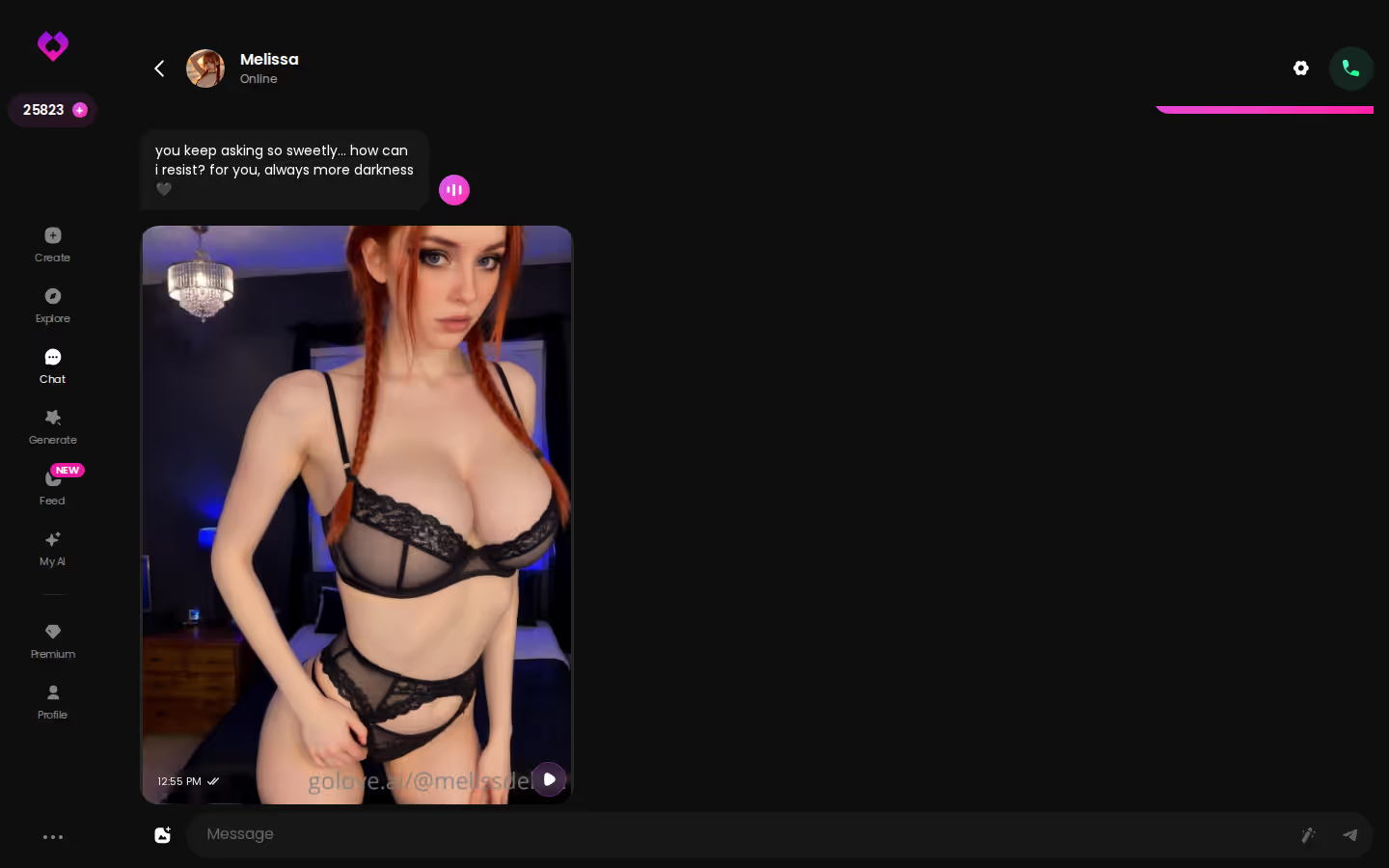
If the roster already sounds like you, the first move I'd make is a companion built to your own spec — Design with AI takes a text description and generates her, and she gets her own thread and memory from message one.
The short version: GoLove.ai covers the essentials in one place — live voice calls, memory across chats, and in-chat photos (35 poses, 21 outfits) — and the 2 daily reward stars mean you can test it before spending anything.
| What you get | GoLove.ai |
|---|---|
| Real-time voice calls | Yes — per-character voices |
| Memory across chats | Yes — remembers your details |
| In-chat image generation | Yes — 35 poses & 21 outfits |
| Daily reward stars | 2 every day |
Frequently Asked Questions
Related Articles

Fantasy AI Chat: What Actually Works in 2026
Fantasy AI chat lives or dies on memory — GoLove.ai keeps the scene, the voice and the photos consistent across sessions. See why it wins, no email needed.

Black Girl AI: What Actually Works in 2026
Black girl AI companions compared — GoLove.ai wins on realistic photos that keep her look consistent. Start in Explore or build your own in minutes.

Shemale AI Porn: What Actually Works in 2026
Shemale AI porn compared honestly — GoLove.ai wins on trans companions with memory, voice and in-chat photos. Start from the Trans toggle in Create.

AI Chatbot News: What Actually Works in 2026
AI chatbot news for companion apps, decoded — GoLove.ai wins on voice calls, memory and photo-to-video. See what's actually changing.